
2026-07-07
iPad Air or iPad Pro: When You Actually Notice the Pro
The differences between an iPad Air and an iPad Pro that you genuinely feel in daily use, the differences you will never notice, and how to base your choice on them.
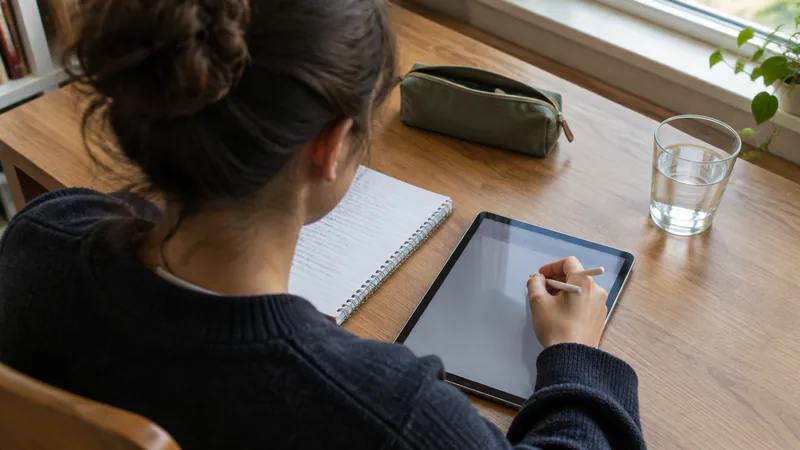
iPad Air or iPad Pro: when you actually notice the Pro
They are two aluminium tablets of almost the same size, with the same operating system and the same apps. The differences are real, but they are narrow and they sit in places most people never go. That is why it pays to work out first what you do with the device, and only then to look at the model name.
What the two share
- The same iPadOS and the same apps, with no exceptions that touch daily work.
- A laminated screen, so without an air gap between glass and panel. That is the difference with the entry-level models, not between Air and Pro.
- In the recent generations a magnetic Pencil that clicks onto the side and charges there.
- A keyboard case that clicks on magnetically.
- In the recent generations an M chip, so that heavy apps run on both.
Where the Pro is different
A higher refresh rate. The image is refreshed more often per second, which makes scrolling look smoother and, more importantly, brings the line closer behind the Pencil. This is the difference most people notice quickest, and the only difference you feel in your hand instead of reading on paper.
Better screen technology. Depending on the generation, more brightness and more contrast, especially with dark images and with HDR material. In daylight at a desk with a text document you notice nothing of it; with a film in a dark room you do.
A faster connector. The Pro has Thunderbolt, the Air USB-C. That difference only exists if you connect a fast external drive or an external screen. If you do not do that, it is the same port with the same cable.
Face recognition as against the fingerprint reader in the top button. Both work well. Face recognition is more pleasant when the device is in a stand and you are not touching it; the fingerprint, in turn, is reliable with a case that partly covers the camera.
More working memory and higher storage variants, an extra camera with a distance sensor on the back, and better speakers and microphones. The Pro weighs slightly more and costs considerably more.
When you really notice that
- You draw or write for hours a day with the Pencil, in layers, with pressure differences. Then the higher refresh rate is not a luxury but comfort you feel in your hand after half a day.
- You edit high-resolution video with several tracks, from an external drive.
- You do colour work where the screen is the reference and not only the display.
- You work with music: many tracks, plug-ins, an audio interface on the port.
- The iPad is your only machine, with an external screen and many apps open at once.
When you do not notice it
Notes and lessons, studying, reading, documents and spreadsheets, mail, watching video, browsing, navigating, recipes in the kitchen, video calls, drawing for pleasure, touching up photos that come from a phone. For all of that an Air does exactly the same work, and the price difference is better spent on more storage, a decent keyboard case and a Pencil. That is not thrift, that is the better machine for that work.
Two things that weigh more heavily than Air or Pro
Storage. You cannot add that later. A Pro with the smallest storage is a worse device for someone who edits video than an Air with generous storage, because you run into the limit every week. Work out first how much you need, and only then which model.
Size. The larger model is more pleasant on a desk and heavier in a bag. The smaller one is easier to hold while reading and to draw on in your lap. Choose the size on the basis of where you use the device, not on the basis of what looks better next to a laptop.
Outside and battery when buying second-hand
With a tablet you look at the glass all day, so that is where a scratch shows up most; small scratches on the back disappear under a case. Buying from a private seller, that is the first thing you check closely. With us it is not necessary: every iPad is given a new screen and a new housing in the workshop, so there are no signs of use and you do not have to interpret the photographs. An iPad also spends a lot of time on standby, and that is where a worn battery makes itself felt first: it is flat while you have not used it. Every device leaves here with at least 85 per cent capacity or with a new battery, and the device and the battery carry 24 months of warranty. The devices themselves are with the iPads, the checks are explained at quality.
Accessories are not a side issue
Which Pencil and which keyboard case fit differs per generation and per size. That is one of the few places where a wrong purchase really costs money, because a case that does not fit is simply money gone. So first check which model it is going to be and whether the accessory you already have fits it, and buy the rest afterwards. If you are unsure, ask with the model number in hand.
In short
Choose the Pro if the Pencil, video work or a fixed set-up with an external screen is your daily practice. In all other cases the Air, with more storage than you think you need. And because with 30 days to change your mind and free returns you can work out at your own desk at home whether you feel that difference, you do not have to make that choice in a shop.