
2026-03-24
Battery Health: What 85% Really Means and How to Read It Yourself
Battery health is not a school report but an estimate of remaining capacity, and eighty-five per cent says something very different from what many people think.
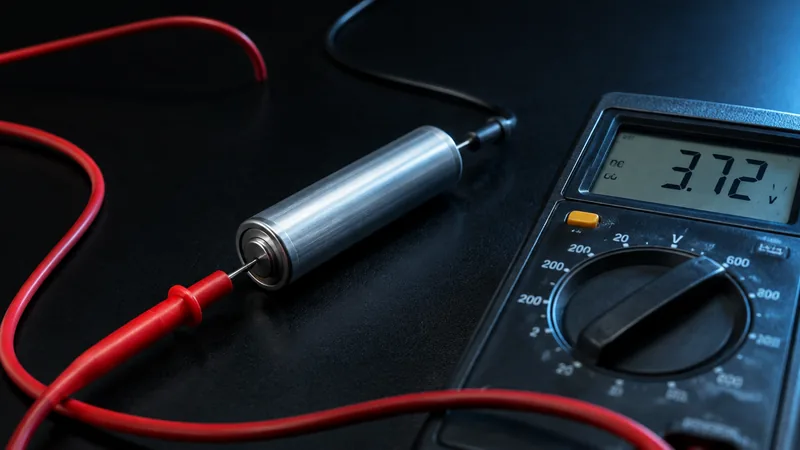
What the percentage measures
Battery health is not a reading of how full your battery is, and it is not an inspection either. It is an estimate of the maximum capacity the battery can still store now, expressed as a percentage of the capacity it had when new. If it says eighty-five per cent, your device assumes that about eighty-five per cent of the original energy will still go in.
A full charge remains a full charge. A hundred per cent on your screen still means full, it is just that the full charge has become smaller than it was on the first day. In practice you notice that not as slowness but as time: you get to the end of the day a little less easily.
Where to read it
You will find it under Settings > Battery > Battery Health. On some versions of iOS that item is called Battery Health & Charging. It shows the maximum capacity, and underneath whether the device can deliver full peak performance.
On recent models the number of charge cycles is also in the settings, together with the date of manufacture and the date of first use. On older devices Apple does not show that and you need diagnostic tools to see the cycle count. That is one reason in itself not to look only at the percentage with a second-hand device.
What a charge cycle is
One cycle is a hundred per cent of the capacity used, not one visit to the charger. If you charge from sixty to a hundred today and again tomorrow, together you have used about eight tenths of a cycle. Someone who tops their device up three times a day does not use more cycles than someone who charges fully once.
For the older iPhone models Apple reckons on five hundred full cycles down to about eighty per cent remaining capacity; for the most recent generations it quotes a higher number of cycles for that same threshold. That figure is an average under normal conditions, not a promise. Heat, a lot of fast charging and running the battery very deeply flat push it down faster.
What eighty-five per cent does in practice
Eighty-five per cent is a healthy battery. The device works completely normally, performs normally and charges normally. The difference from a new battery is that at the end of a heavy day you reach for the charger sooner. Anyone who does a lot of navigating, filming or calling over the mobile network feels that most clearly; anyone who mainly uses their device for messages and photos notices little of it in the ordinary run of things.
Apple only considers a battery worn out below eighty per cent. We set the line higher: if a device does not reach eighty-five per cent, the battery comes out and a new one goes in. That is not a detail. A battery that is at exactly eighty per cent at purchase is already at the edge of its life and will need attention again within a year.
Why the figure moves and sometimes jumps
The health is a calculation, not a measurement with a pair of callipers. Your device estimates the capacity on the basis of charging and discharging behaviour, voltage and temperature. That is why you see things that look odd at first sight:
- The number sits still for weeks and then drops a per cent or two all at once. That is the estimate adjusting itself, not the battery suddenly collapsing.
- After an iOS update or a full charge a per cent sometimes comes back. That too is the calculation being tuned more sharply.
- A device that has lain unused in a drawer for a long time gives an unreliable figure for the first few days. Let it run through a few full charges before you draw conclusions.
- In the cold your battery delivers less temporarily; that does not change the health, only what you get out of it at that moment.
If no health figure appears at all, or it says the battery cannot be verified, then there is usually a cell in it without an original chip, or the connection to that chip is broken. That is more important news than any percentage.
Peak performance capability and the message about performance
Below the percentage there is a second line about peak performance. If a battery has declined so far that it can no longer hold the voltage at a sudden peak, the device can shut down unexpectedly. To avoid that, iOS limits performance in such a case, and that is reported there. As long as it says the device supports normal peak performance, there is nothing wrong. If there is a message about an unexpected shutdown, a new battery is the solution, not a factory reset.
What you can do yourself
Batteries wear from heat, from time and from the extremes of the charging scale. You can steer that a little:
- Leave optimised charging switched on, and use the charge limit if your device has one. Sitting at a hundred per cent continuously is the hardest setting for a cell.
- Take the device out of its case if it gets very warm during fast charging, and do not leave it in the sun or in a hot car.
- Do not systematically run it down to zero. Somewhere between twenty and eighty per cent a battery lives longest, without your having to make a sport of it.
- Store a device you are not going to use for a while at around half charged, not empty.
When to replace
A battery is a consumable part, just like brake pads. Replacement is in order if you drop below eighty per cent, if the device shuts down in the cold or at a peak, or simply if the day is no longer manageable without a power bank. It is a half-hour job in a workshop and it easily gives an otherwise healthy device another two years.
If you buy from us, you do not have to do that sum yourself: every device is at at least eighty-five per cent and the battery is covered by twenty-four months of warranty, just like the device itself.